TL;DR
Speed is your competitive advantage. Learn how Masterpiece AI lets you go from a raw idea to a fully optimized, print-ready file in minutes—eliminating manual design bottlenecks and costly production errors.
Speed matters. In the world of custom products, customers expect near-instant results and seamless personalization. However, traditional design workflows often hinder your progress. This post reveals how Masterpiece AI lets you go from idea to print-ready design in minutes, with zero manual rework. In just a few steps, you’ll see how to generate unique artwork, customize it to your brand, produce high-quality print files, and integrate those files into your storefront. As explored in our post “How to use generative AI to grow your print-on-demand business”, generative AI is already transforming e-commerce. Now, let’s see how it makes your workflow faster.
Why Fast Design Turnaround Matters
In the competitive world of customization, time is a differentiator. If your editor or design process takes longer than a few minutes, many users will abandon it. Moreover, your internal design team becomes a bottleneck for scaling. By contrast, a system that turns ideas into production-ready files in minutes frees you to launch new collections faster, test designs with minimal risk, and serve spontaneous buyers (e.g., last-minute gifts).
What Is a Print-Ready Design (and Why It’s Hard)
A print-ready file is not just an image. It must include correct dimensions and DPI, proper color space (RGB vs CMYK), embedded fonts or vector outlines, and clean margins and bleed areas. Most designers struggle with one or more of these steps. Customers often submit sloppy files, and internal review catches errors. That’s extra time, extra cost.
The Masterpiece AI Workflow: Step by Step
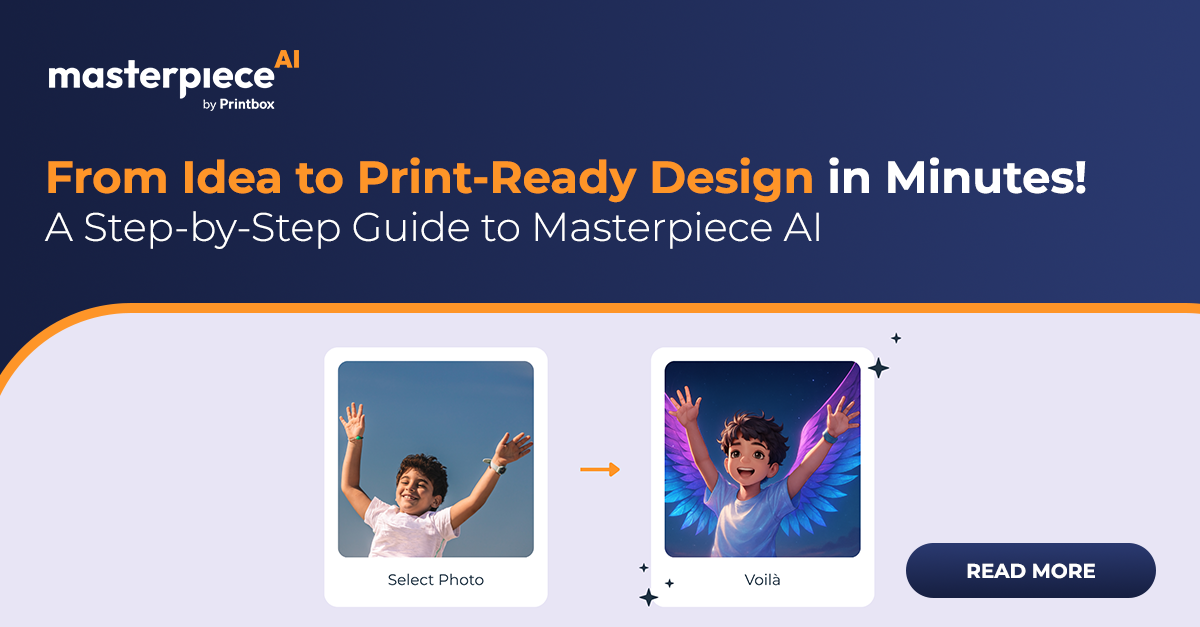
- Prompt or Upload an Idea: You (or your customer) start by typing a text prompt or uploading a reference image.
- Refine & Customize: Choose one of four generated images, adjust product colors, and modify image cut-outs.
- Auto-Prepare for Print: With one click, Masterpiece AI generates print-ready files (PDF, PNG, SVG) that meet your production specs.
- Sync to Your Store: Files flow directly into your Printbox storefront, ensuring a seamless buying journey.
Common Challenges and How Masterpiece AI Solves Them
- File Errors (Margin, Bleed): Masterpiece AI auto-validates all print specifications to prevent costly reprints.
- Low-Resolution Uploads: Built-in upscaling and DPI control ensure sharp output, avoiding blurry results.
- Color Mismatches: Embedded color profiles and soft proofing ensure that what you see on screen is what you get in print.
- Design Bottlenecks: AI automates concept generation, freeing up human resources to focus on strategy rather than repetitive tasks.
Insights from FESPA 2025
Learn more about personalization techniques and how to scale your e-commerce with our Insight from FESPA 2025!
Key Takeaways
Masterpiece AI transforms your workflow by automating everything from concept to print-ready output. The result is less manual work, fewer errors, and faster growth for your business.
Faq
Can non-designers actually get good results?
Yes — Masterpiece AI handles the technical parts.
Are files reliable across printers?
Yes. Files meet standard industry requirements.
What about copyrighted content?
Masterpiece AI blocks protected keywords automatically.