Explore the future of product personalization. Our AI-driven software turns your customers into digital artists to bring their boldest ideas to life - faster and easier than ever before.
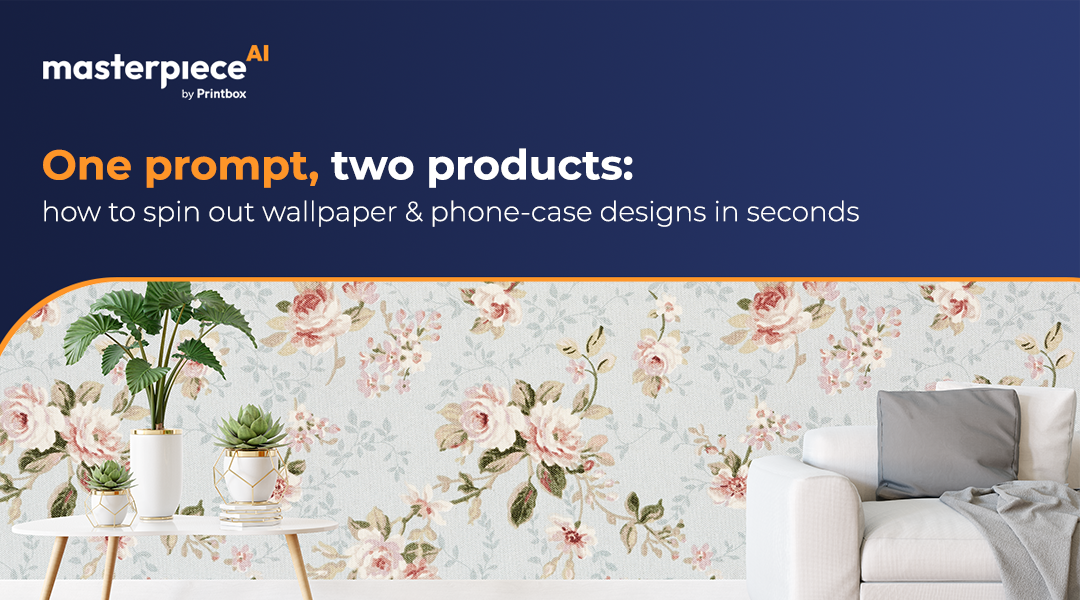
One prompt, two products: how to spin out wallpaper & phone-case designs in seconds
5 min read
•
Aug 12, 2025
TL;DR
Stop struggling with disjointed workflows. Masterpiece AI allows you to craft bold wallpapers and matching phone cases from a single prompt—delivering high-resolution, print-ready files for both formats instantly.
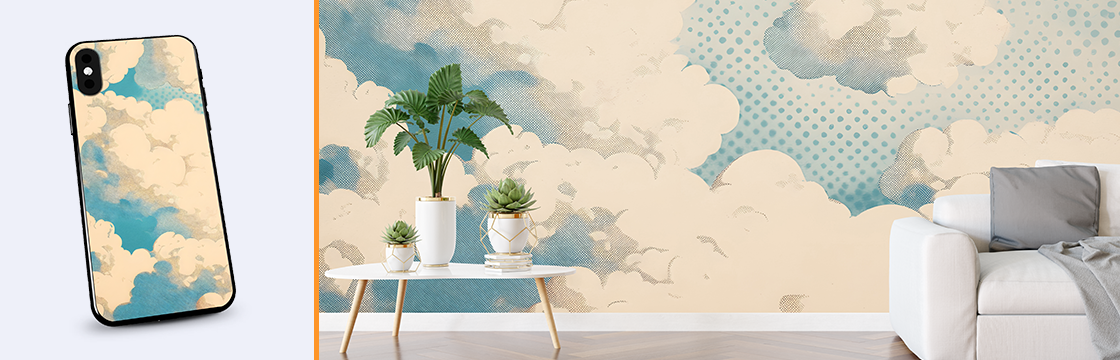
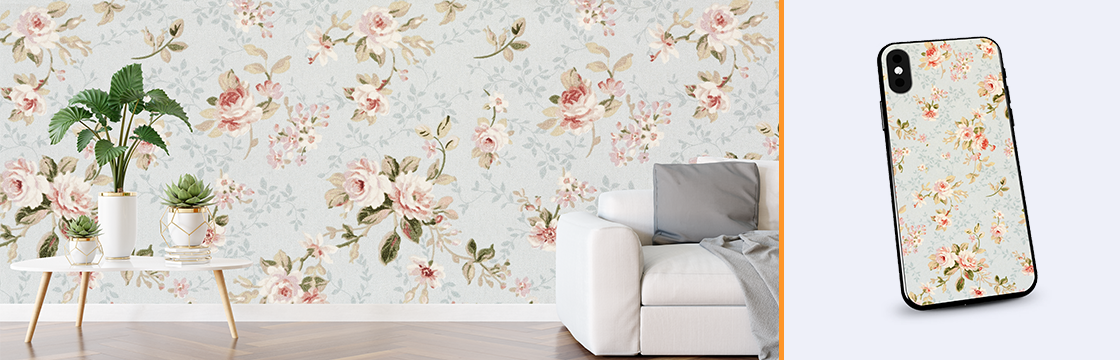
Masterpiece AI isn’t just an image-generation engine: it’s your one-stop shop for instantly producing coordinated design assets across multiple product categories. Imagine crafting a bold wallpaper mural for a living room and a perfectly matching phone case with a single text prompt or uploaded sketch. That’s the power of Masterpiece AI’s unified workflow. In today’s on-demand marketplace, speed and consistency are paramount. Historically, creating assets for different formats—like large-scale wallpaper versus small phone-case prints—required separate workflows and manual resizing. Masterpiece AI removes these obstacles by offering single-prompt generation, auto-resizing, and print-ready export. By consolidating these tasks, you can launch coordinated product bundles faster, differentiate your brand, and maximize cross-sell opportunities.
How Masterpiece AI Streamlines Dual-Product Creation
At the core of Masterpiece AI’s dual-product workflow is its multimodal engine that handles text-to-image and image-to-image transformations. Here is how it eliminates bottlenecks:
Input Module: Enter a prompt like “pastel watercolor florals with gold accents” or upload a base image, such as a hand-painted pattern.
Style Transfer & Upscaling: The AI analyzes your description, applies your chosen style, and enhances details specifically for large-format output.
Aspect-Ratio Adjustment: Without additional commands, the system creates variants optimized for both wallpapers and phone-case dimensions.
3D Mockup Generation: Instantly preview both products in 3D environments—a wall interior and a floating smartphone—to verify scale and color fidelity.
Export & Integrations: Send print-ready files to the printing house or push assets directly to your storefront via Shopify, WooCommerce, or custom APIs.
Step-by-Step: From Prompt to Print-Ready Package
Define Your Creative Brief: Open Masterpiece AI and input a concise prompt like “Art deco geometry in teal and copper.”
Select Product Outputs: Select your preferred format (wallpaper or phone case). The interface will display recommended resolution presets.
Generate & Refine: Click “Generate.” In under 60 seconds, browse thumbnails and select your favorite. You can adjust color balance and pattern scale.
Preview in 3D: Switch to the "3D" tab to rotate the view and zoom in, ensuring every detail looks pristine.
Download or Publish: Export your assets directly to the printing house or your e-commerce store.
Ready to boost your product personalization?
Go beyond templates and offer AI-generated designs your customers will love — at scale, with print-ready quality.
Oops! Something went wrong while submitting the form.
Best Practices for Matching Designs
Leverage Negative Space: On phone cases, intricate detail can become cluttered. Use spacious patterns or bold motifs that tie back to the wallpaper.
Maintain Color Harmony: Stick to a consistent palette. If necessary, create secondary color variants for accent elements on the case.
Test Scale in Preview: Always check how small details render on the scaled-down phone-case mockup compared to the large wall panel.
Key Takeaways
Masterpiece AI transforms one creative spark into an entire coordinated line. It allows you to author two products in seconds, intelligently adapts designs to every format, and lets you visualize creations in real-world contexts before committing to print.
Faq
Can I use the same prompt for multiple collections? Yes. Save your prompt as a template and reuse it across colors or patterns for cohesive seasonal drops.
What if I need a non-standard wallpaper size? You can customize dimensions in the output settings. Masterpiece AI will auto-upscale and re-tile patterns to fit without distortion.
How does Masterpiece AI ensure print fidelity? All exports are generated at 300 dpi with color-profile management (sRGB to CMYK), ensuring the printed result matches the mockup.
Whether you run a global marketplace or a niche store, Masterpiece AI gives you the tools to design smarter, scale faster, and delight your customers with every click. Tell us more and we’ll show you how it works.